This Pearl mining guide covers a PRL wallet, mining software, Windows/Linux launch commands, and an optional TCMinerProxy relay for difficult network paths. Start with one device connected directly to a pool before adding a proxy or rolling out across a farm.
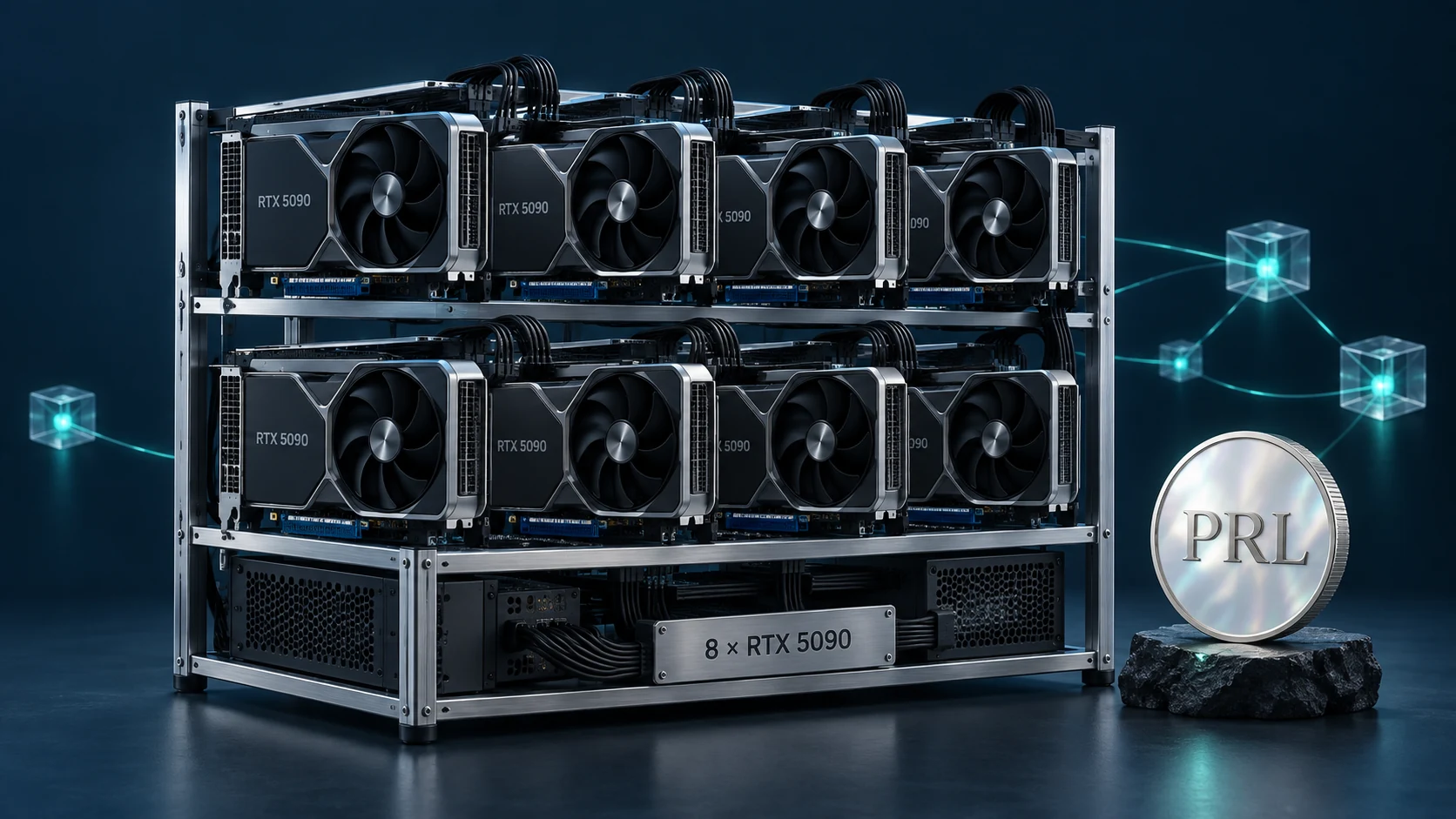
Here, PRL means the native coin of the Pearl network, not another asset sharing its ticker. Sources were checked on 2026-10-07. These are configuration examples, not measured results or income promises. Use only equipment you own or are authorized to operate, subject to local rules and your hosting provider's terms. The cover is a concept illustration, not a photograph of a PRL installation.
What is PRL, and which miner should you use?
The Pearl project describes a Proof-of-Useful-Work blockchain; pools generally identify its mining algorithm as PearlHash. This article covers pool connections, not running a full node or an AI inference service.
The examples use PeakMiner. Check its PRL-specific support, not just the miner's general GPU list. Its current guidance requires supported NVIDIA RTX 20-series or newer GPUs for PRL. Consult the author's hardware requirements for other models, drivers and versions. This guide does not prescribe universal overclock settings.
Before starting: wallet, hardware and security
- Obtain Pearl Wallet for your system from the official Pearl releases. Desktop-wallet and node releases are separate entries.
- Create or open your wallet, back up recovery material offline as instructed, and copy your own PRL mainnet receive address. Never put a seed phrase, private key or wallet password in a worker name, miner command or proxy dashboard.
- Check that the operating system detects the GPU and that cooling and power are adequate. Begin with conservative defaults and change one setting at a time.
- Get the matching program from the PeakMiner author's releases. Verify the publisher and source. Avoid repackaged chat attachments and do not disable system-wide protection to run an unknown file.
- Record the GPU, driver, miner version, pool endpoint and test time for troubleshooting and rollback.
If you use an exchange deposit address, confirm that it accepts mining deposits on the Pearl PRL mainnet, not merely a similarly named asset. Check deposit limits and maintenance notices. No exchange is recommended here.
Pool endpoints and login formats
Recheck the pool's page before starting. The main example uses wallet-based mining on Kryptex, not its optional auto-conversion account.
| Pool connection | Host and port | Login |
|---|---|---|
| Kryptex TLS | prl.kryptex.network:8048 |
YOUR_PRL_WALLET/rig01 |
| Kryptex TCP | prl.kryptex.network:7048 |
YOUR_PRL_WALLET/rig01 |
| f2pool TCP | pearl.f2pool.com:5500 |
ACCOUNT_NAME.rig01 |
The Kryptex PRL page provides regional endpoints and wallet/worker formatting; the public-network example below uses TLS. The f2pool guide instead uses a pool account, with its payout address configured separately. Do not mix these identity formats.
Choose a region by actual connection stability, not geographic distance alone. Fees, settlement methods, payout thresholds and regional availability can change; consult the pool's current terms.
Windows: create a PRL launch file
Create start-prl.bat inside the extracted miner folder, not start-prl.bat.txt. Replace YOUR_PRL_WALLET with your complete receive address and choose a recognizable worker name instead of rig01, then save and run it.
@echo off
cd /d "%~dp0"
peakminer.exe --coin pearl -o stratum+ssl://prl.kryptex.network:8048 -u YOUR_PRL_WALLET/rig01
pause
--coin pearl selects the coin, -o sets the destination, and -u supplies the login. See the PeakMiner CLI reference. Give each device a distinct worker name; never retain someone else's real wallet from a sample command.
Read the log first: the miner should detect the GPU, authenticate, receive work and start submitting accepted shares. A hashrate figure without accepted work is not a completed setup. pause keeps error messages visible; it does not fix them.
Linux: verify in the foreground first
Download the Linux program matching your machine architecture and work from its directory. The example assumes you have named the executable peakminer. Replace the wallet before running it.
chmod +x ./peakminer
./peakminer --coin pearl -o stratum+ssl://prl.kryptex.network:8048 -u YOUR_PRL_WALLET/rig01
Do not default to running permanently with elevated privileges or exposing management interfaces. Observe the foreground process first, then arrange process supervision and log rotation as appropriate. Verify separately what happens when the terminal closes. For device, driver or runtime errors, follow the release guidance rather than changing wallets at random.
Switching to f2pool
For an account-based pool, change both the endpoint and the identity. The f2pool PeakMiner example also includes --keepalive:
peakminer.exe --coin pearl -o pearl.f2pool.com:5500 -u ACCOUNT_NAME.rig01 --keepalive
This is a TCP example, not an encrypted connection. Changing a protocol prefix does not make a port TLS-capable. ACCOUNT_NAME means your pool account, not a private key or the wallet used in the Kryptex example.
Optional: relay PRL through TCMinerProxy
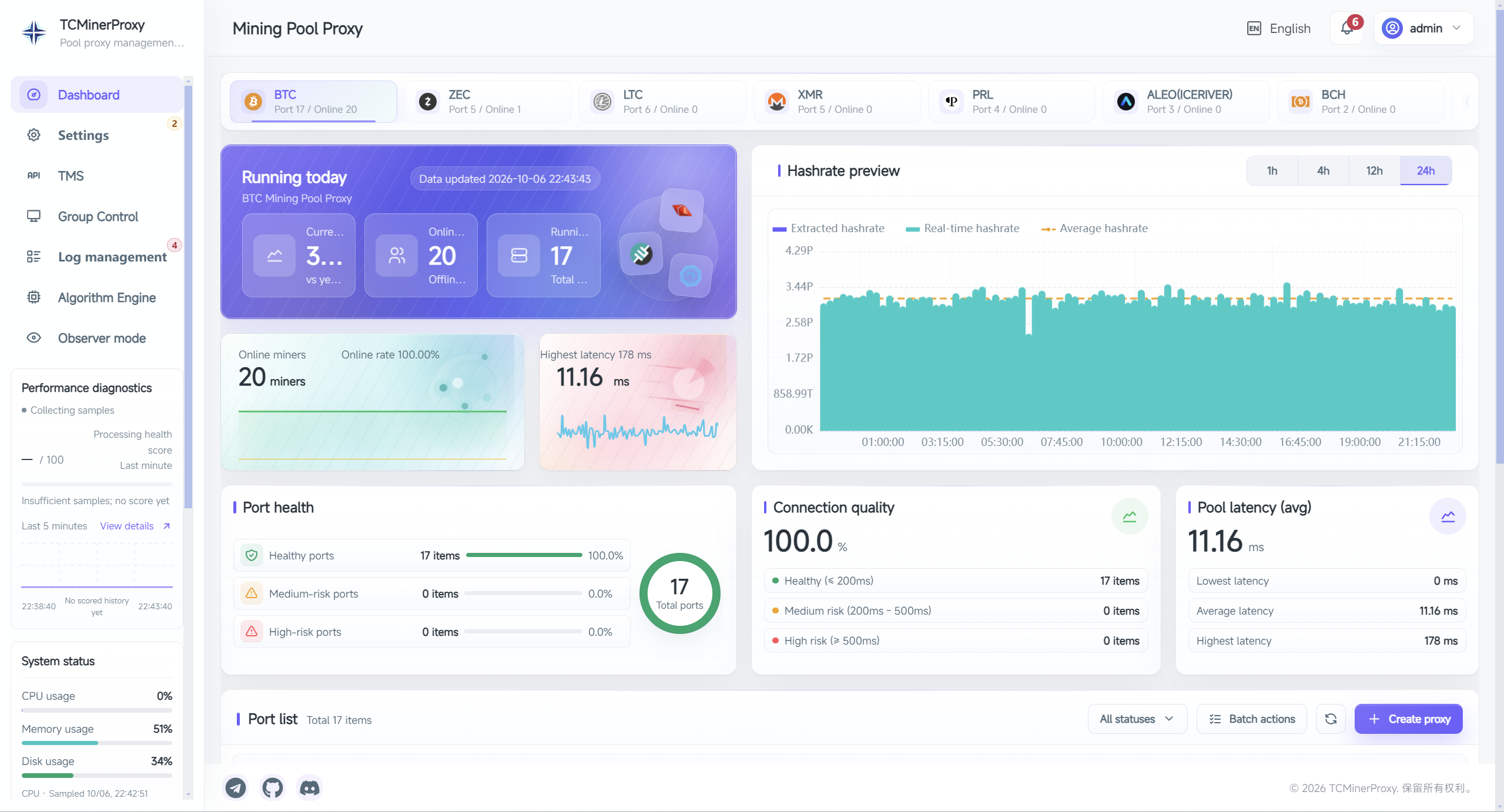
A stable direct connection does not require a proxy. For a shared entry point or an alternative working network path, first test miner → TCMinerProxy → PRL pool. The relay server must be reachable from the farm and able to reach the pool.
- Deploy the server using the TCMinerProxy installation guide and secure its administration interface.
- Follow the proxy-port documentation on a version that supports PRL, selecting the corresponding coin and protocol. Do not substitute BTC or another coin if support is missing.
- For this example, set the upstream to
prl.kryptex.network:8048with matching TLS. The miner-facing listener protocol is configured independently: these are two different connection legs. - Validate forwarding only at first. Preserve the pool's original login format and leave additional fee allocation and wallet replacement disabled.
- Move just one test device. Compare direct and relayed connections with the same pool, wallet and hardware settings before expanding.
For example, after configuring a TLS listener with a valid certificate on port 3443, the miner destination could be:
peakminer.exe --coin pearl -o stratum+ssl://tcminerproxy.example.com:3443 -u YOUR_PRL_WALLET/rig01
tcminerproxy.example.com:3443 is an example only. Replace it with your deployed hostname and listener port; the certificate must match the hostname. This particular miner/pool/proxy combination has not been hardware-tested for this article. If forwarding the original identity fails, investigate protocol compatibility before rewriting account details.
Fee allocation needs separate compatibility checks
Our PRL troubleshooting documentation records fee-allocation issues involving pearlhash.xyz, the Chutou miner and SRB, and warns that proxy hashrate estimates can differ from pool statistics. A newer miner supporting PRL, or a working forwarding connection, does not establish that those limitations have been removed. BTC/LTC lossless-mode guidance must not be assumed to apply.
This article does not recommend those combinations for fee allocation or claim that PeakMiner fee allocation has been validated. Charging arrangements require separate checks of the current combination, authorization and actual account credits—not just a percentage displayed by the proxy.
How to verify a working setup
Keep three sets of observations for the same time window:
- Miner: a stable device, ongoing accepted shares, and records of rejected/stale shares and reconnects.
- Pool: the correct worker appears under the intended wallet or account, and submission statistics update.
- Relay, if used: inspect connections and port logs; proxy hashrate estimates are not payout evidence.
Local and pool hashrates need not match immediately because averaging windows can differ. Check units, identities and time ranges before declaring a fault. Once the pool's payment conditions are met, reconcile its payout history with the receiving wallet. Being below the threshold alone does not indicate a broken setup.
Troubleshooting checklist
| Symptom | Check first |
|---|---|
| Immediate exit or no GPU | Operating-system architecture, PRL support in that version, driver and logs |
| Connection timeout | DNS, outbound access, firewall rules, and matching TCP/TLS endpoint |
| Authentication failure | Correct mainnet address or pool account, and the pool's worker separator |
| Local hashrate but no accepted shares | Incoming work, reject messages, algorithm, version and device stability |
| Direct connection works; relay fails | Both network legs, proxy protocol, original login and port logs |
| Accepted shares but no payment | Statistics window, payout threshold, schedule and receive address; start with pool records |
For certificate errors, investigate the hostname, system clock and certificate configuration. Do not routinely disable certificate validation. Stop testing persistently overheating or unstable equipment instead of raising overclocks to match someone else's screenshot.
Costs, limits and sources
Pool fees, miner developer fees, proxy-service charges, electricity and cloud costs are separate items. This guide gives no price forecast, payback period or income guarantee. A relay changes connectivity and management, not the GPU's physical computing capability.
Further reading: the TCMinerProxy complete guide and PRL compatibility notes.
Configuration sources were checked on 2026-10-07. Each publisher maintains its own software or pool:
- Pearl wallet releases: wallet downloads.
- PeakMiner documentation: coin parameters and system/hardware requirements; use its Releases for downloads.
- Kryptex PRL pool: primary example endpoints and login format.
- f2pool PRL guide: account-based alternative.
Only public documentation was reviewed. No miner binary was executed, no live rig was connected, and no earnings were measured. Repeat a small-scale acceptance test after upgrades, pool changes or new rules.